
Skip to content

Japanese that sticks.

Spaced repetition brings each word back just before you'd forget it. Shadowing trains your ear and your voice. JLPT N5 to N1, all in one app.

  • Free to download
  • iOS
  • Android APK
  • JLPT N5–N1
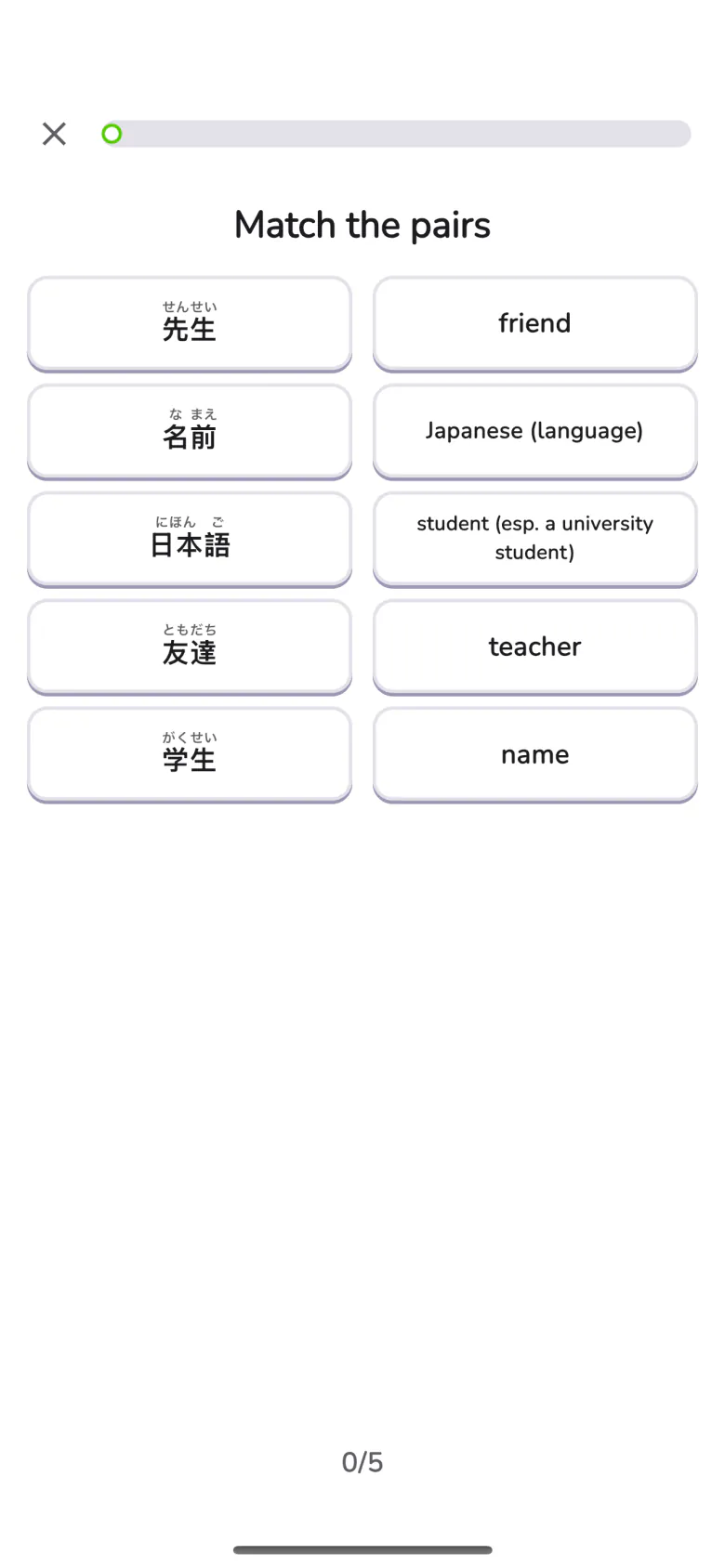
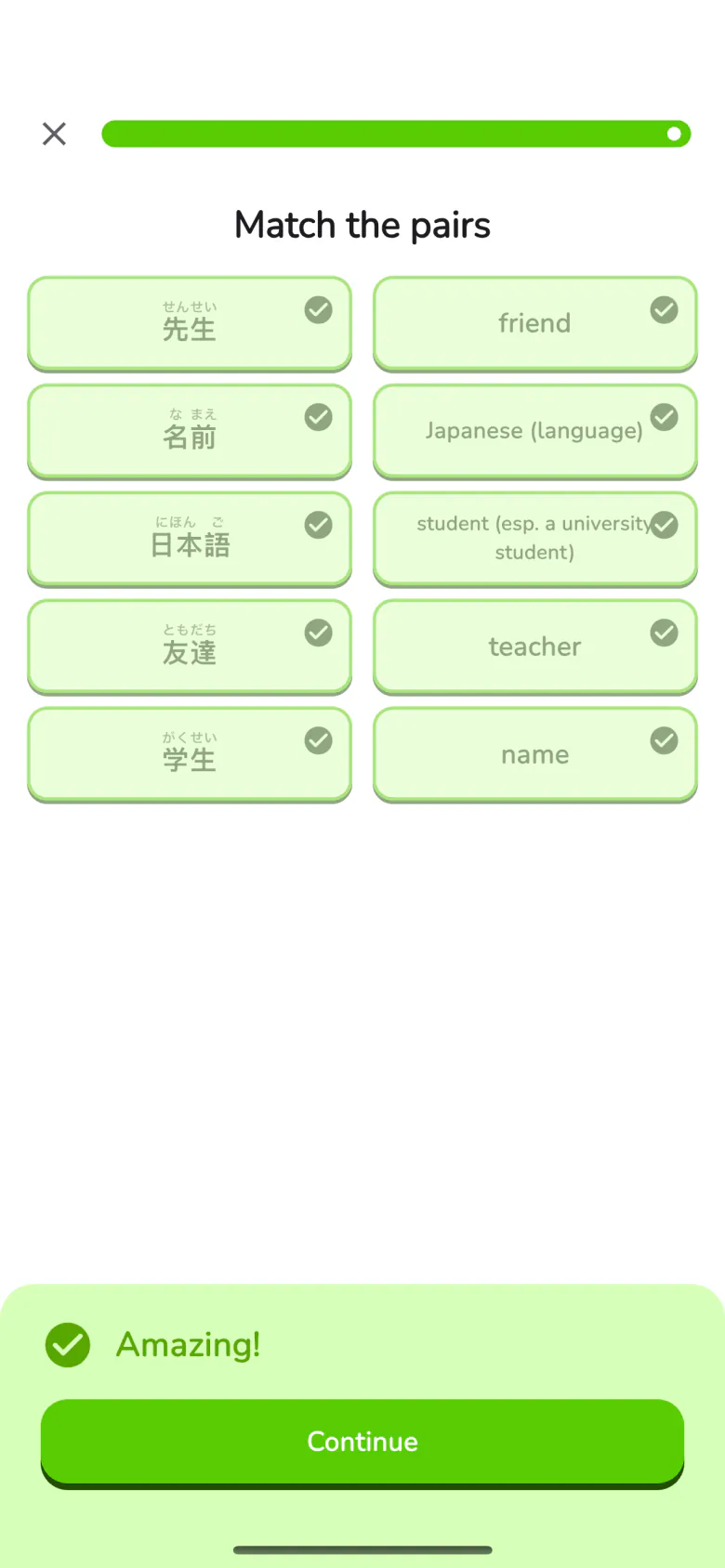
SRS review: match each word to its meaning

For self-learners preparing for the JLPT — from your first kana to N1.

  1. Kana
  2. N5
  3. N4
  4. N3
  5. N2
  6. N1

Built around how memory works

Three kinds of practice, one daily routine.

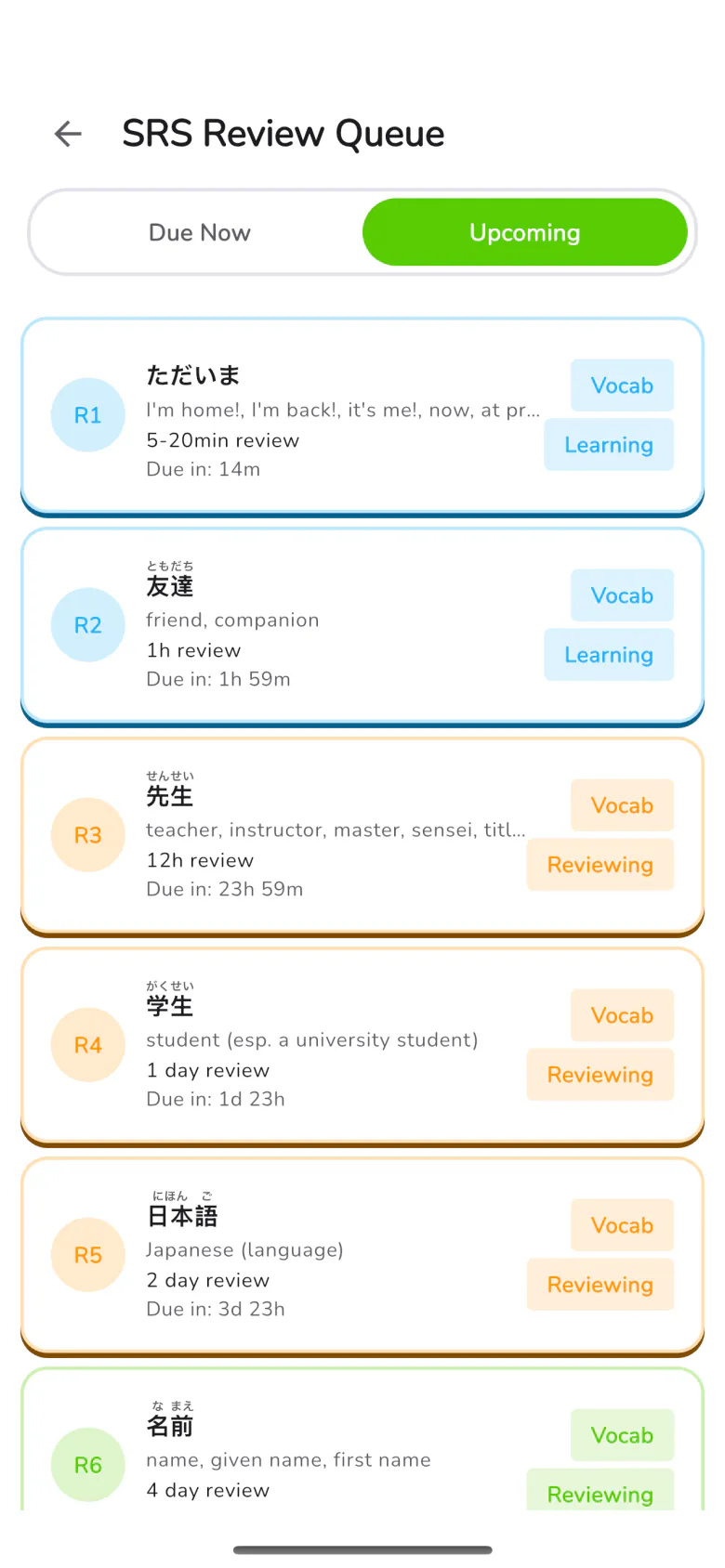
SRS review queue: what's due, and when

SRS Review

Review right before you'd forget.

Every card is scheduled on the forgetting curve, so each review lands when it counts. Get it right and the gap grows; miss it and it comes back sooner.

10 reviews on a base schedule, from 15 minutes to 2 months.
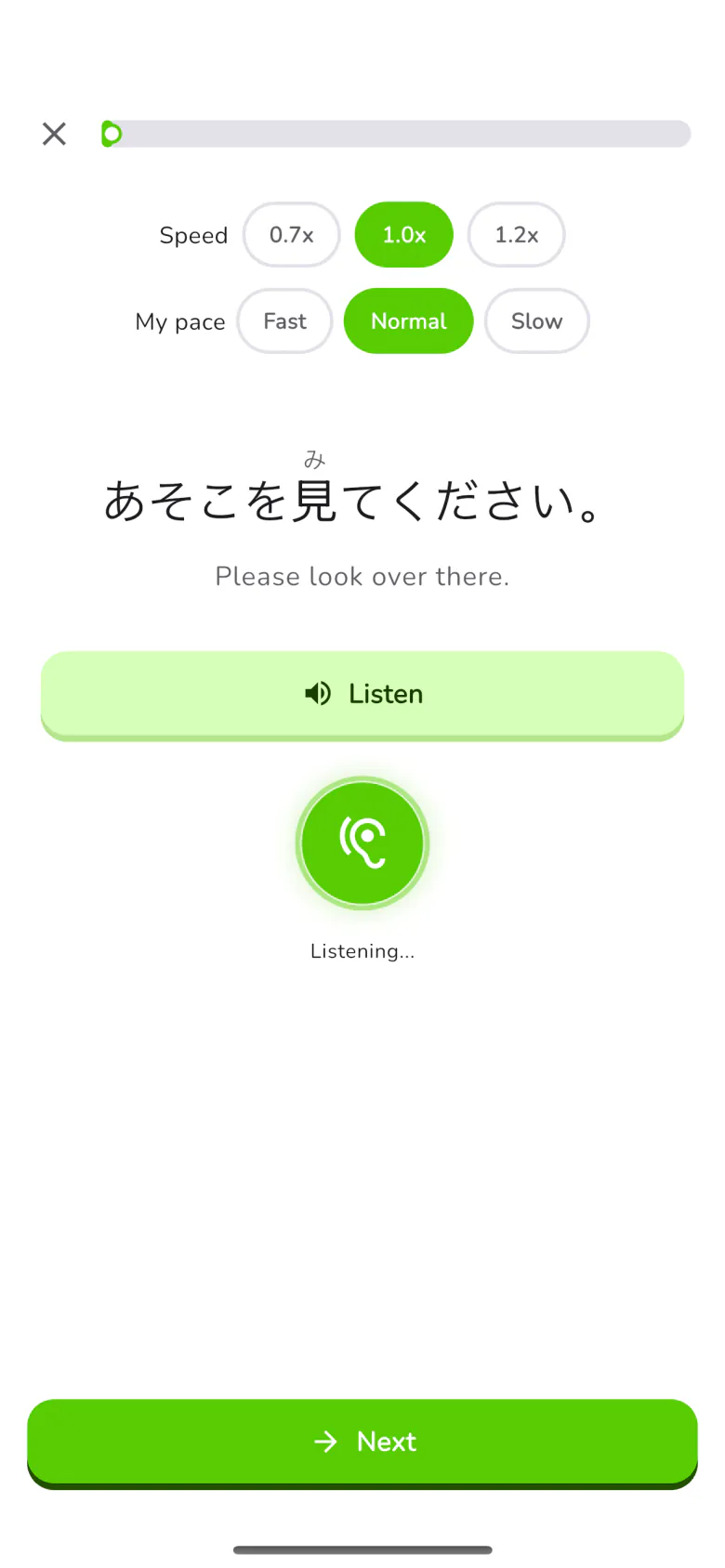
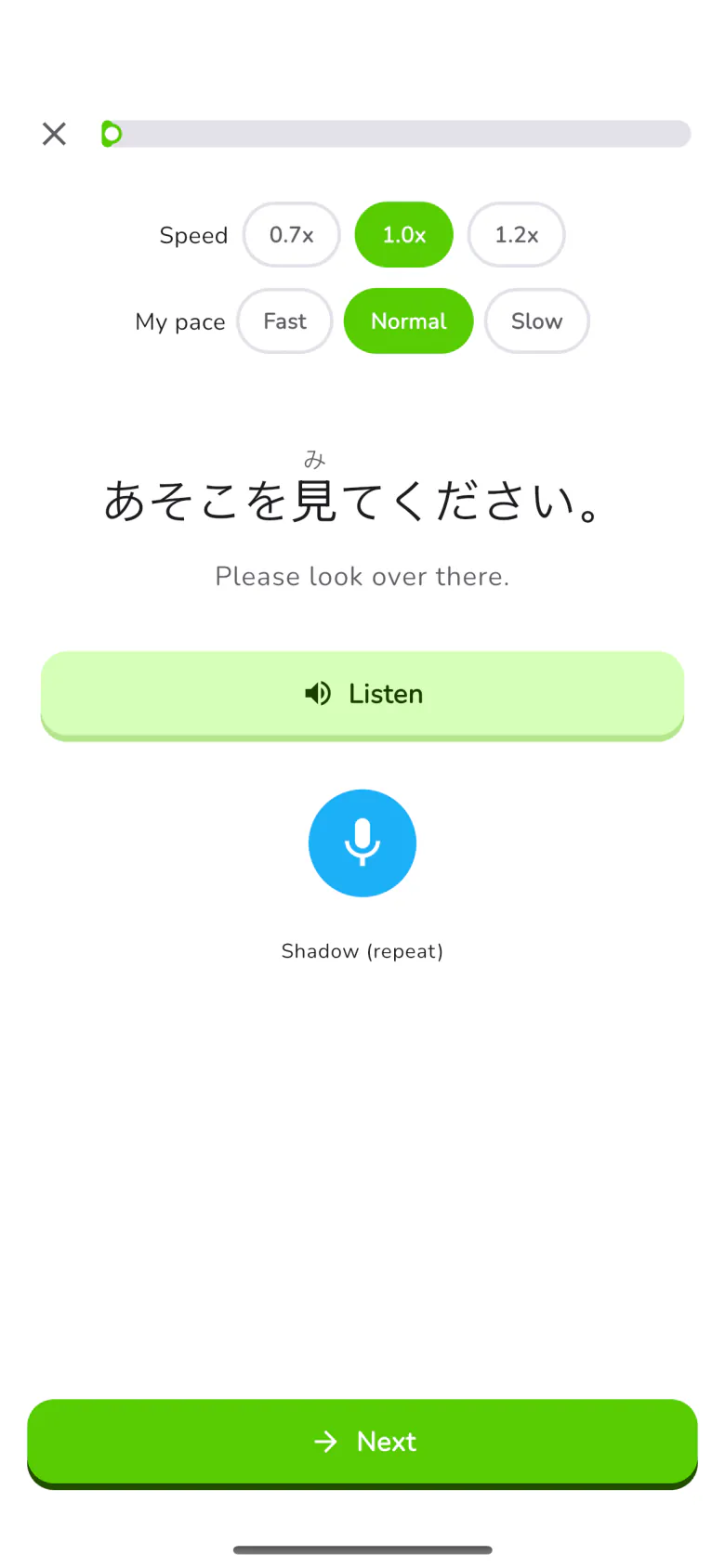
Shadowing: repeat the sentence aloud

Shadowing

Hear it, say it, check it.

Play a sentence, repeat it out loud, and see right away how close you got. Slow the audio down when a line is fast.

Speech recognition runs on your phone. Your voice never leaves the device.

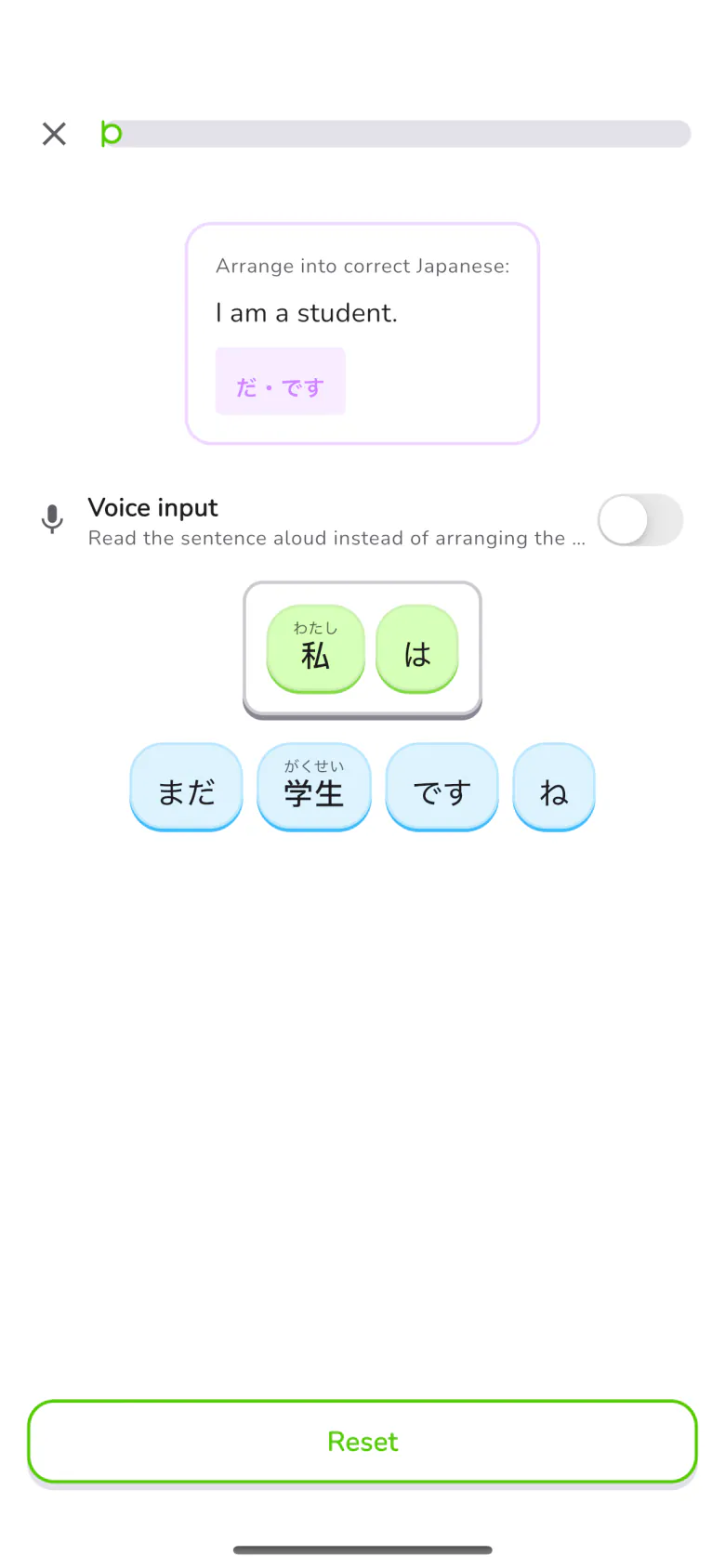
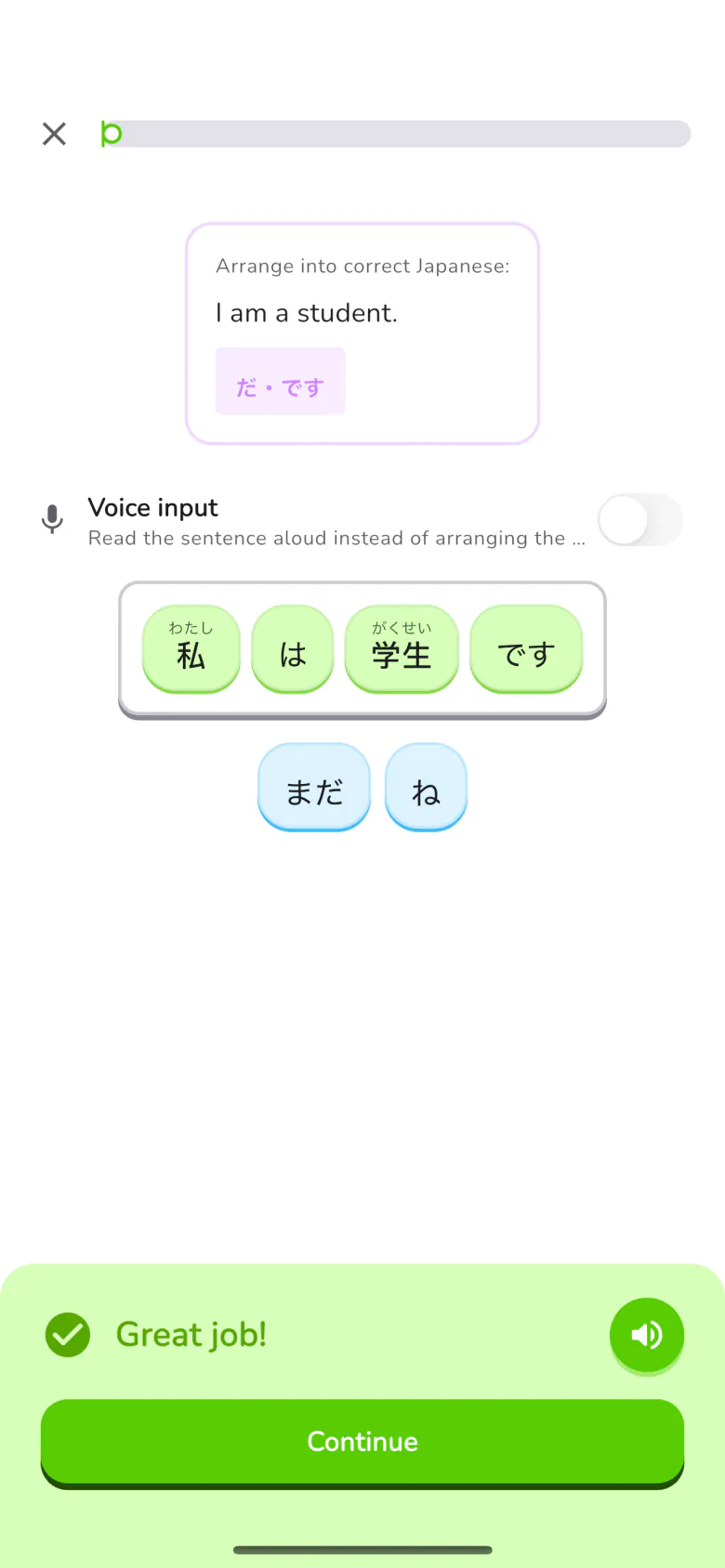
Grammar puzzle: rebuild the sentence

Vocab & Grammar

JLPT N5 to N1, one level at a time.

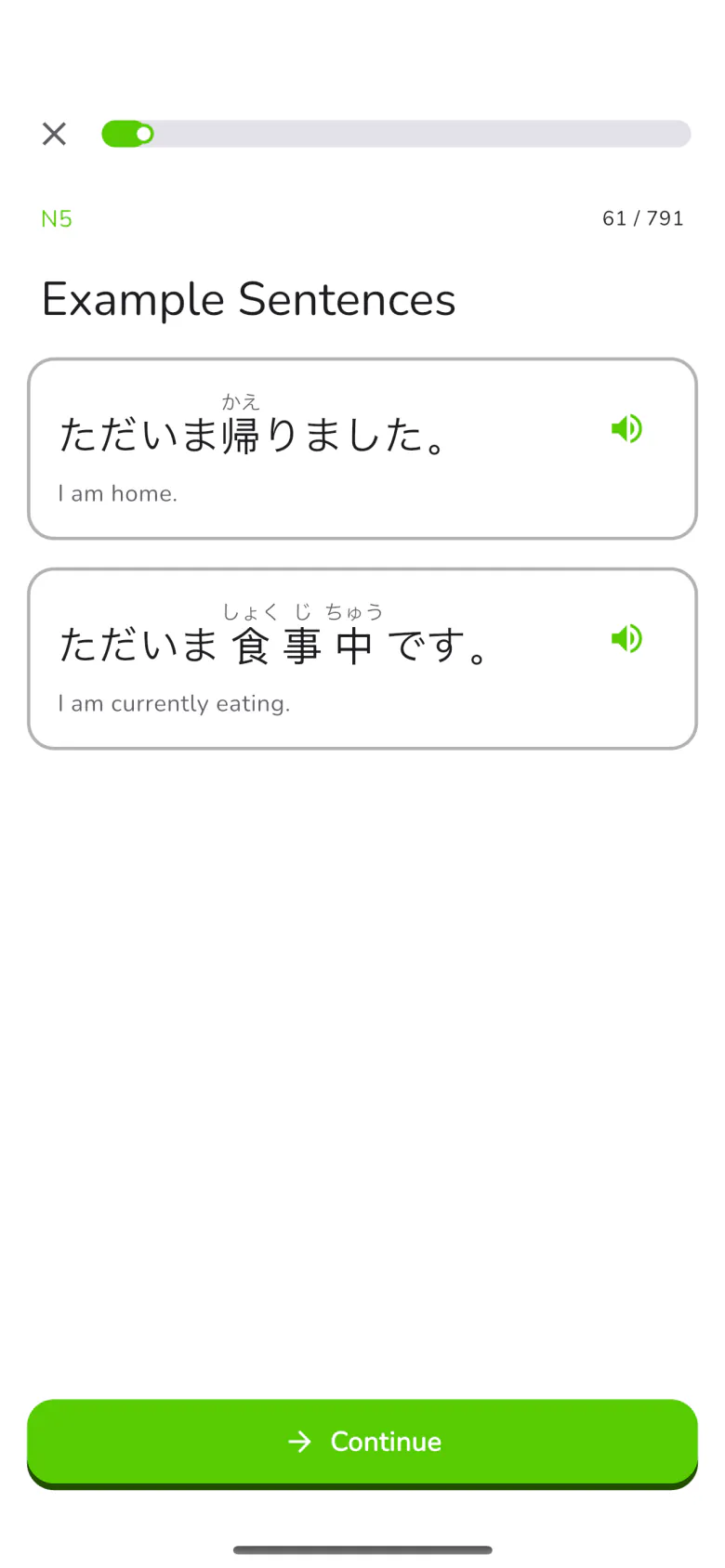
Vocabulary and grammar for every level, with example sentences, readings and translations. Grammar puzzles have you rebuild sentences, so word order and particles become automatic.

New to Japanese? Start with kana — hiragana, katakana and typing drills are built in.

How it works

  1. 1

    Pick your level

    Start with kana or JLPT N5. Already know some Japanese? A placement test lets you skip ahead.

  2. 2

    Practice

    Learn new words and grammar, then say them out loud in shadowing sessions.

  3. 3

    Review on the curve

    Everything you learn comes back on a widening schedule until it sticks.

The review scheduleWith reviewsWithout reviews
  1. 15min
  2. 1h
  3. 12h
  4. 1d
  5. 2d
  6. 4d
  7. 7d
  8. 15d
  9. 30d
  10. 60d

Base intervals after each correct answer. Miss an item before the 4-day step and it starts over; after that, it drops back two steps.

Inside the app

Real screens from the iPhone app.

  • Vocabulary cards: example sentences with readings
  • Shadowing: repeat the sentence aloud
  • Grammar puzzle: rebuild the sentence
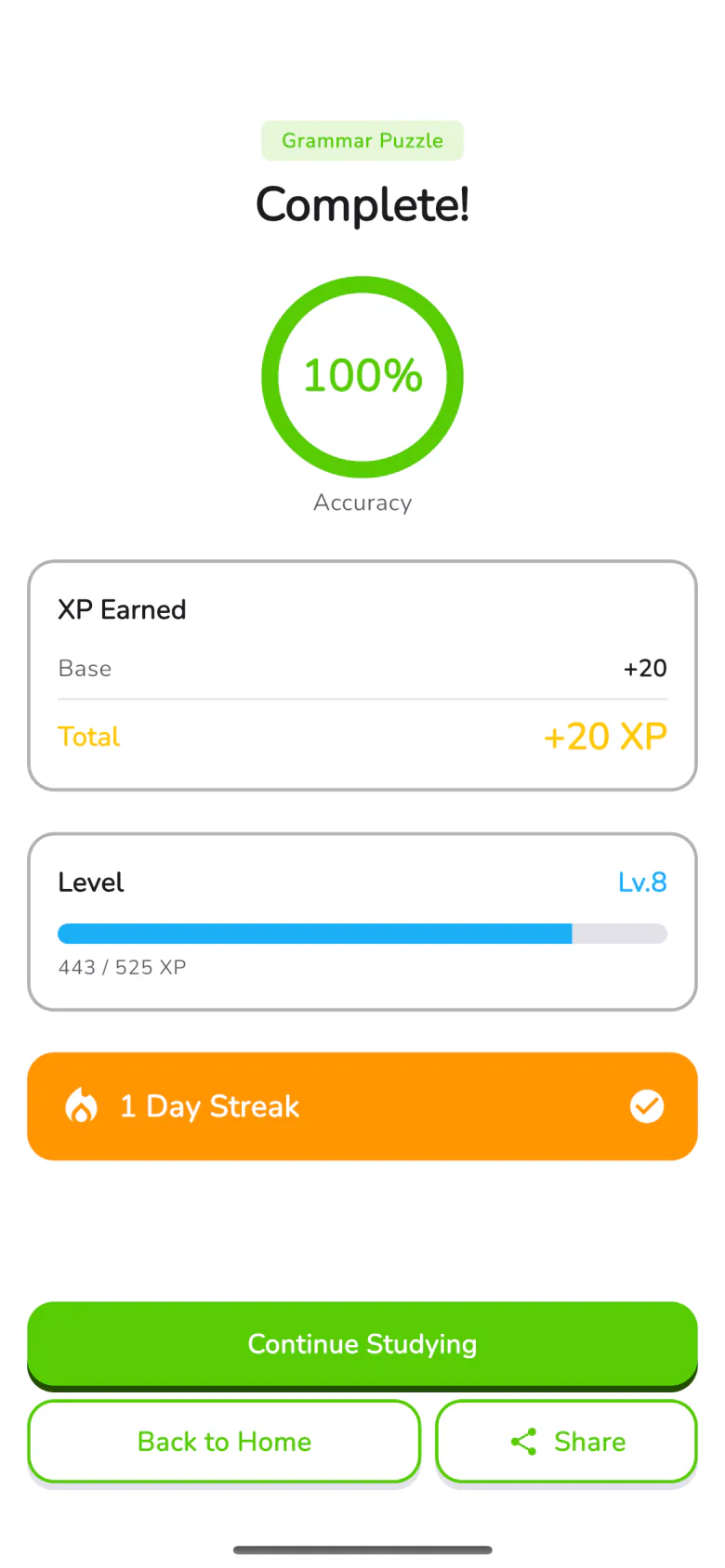
  • Session summary: accuracy, XP and level

Start your first review today.

Free to download

Download on the App StoreGet it on Google Play
Other ways to get it

This app's built-in browser blocks the download. Tap ⋯ in the top-right corner and choose “Open in Browser”, or copy the link into a browser, then download from there.

For arm64 Android phones · about 293 MB. When prompted, allow “Install unknown apps” for your browser — Android asks this for any app installed outside Google Play.

Get it on Google PlayDownload on the App Store
Other ways to get it

This app's built-in browser blocks the download. Tap ⋯ in the top-right corner and choose “Open in Browser”, or copy the link into a browser, then download from there.

For arm64 Android phones · about 293 MB. When prompted, allow “Install unknown apps” for your browser — Android asks this for any app installed outside Google Play.

Download on the App StoreGet it on Google Play
Other ways to get it

This app's built-in browser blocks the download. Tap ⋯ in the top-right corner and choose “Open in Browser”, or copy the link into a browser, then download from there.

For arm64 Android phones · about 293 MB. When prompted, allow “Install unknown apps” for your browser — Android asks this for any app installed outside Google Play.

Download on the App StoreGet it on Google Play
Other ways to get it

This app's built-in browser blocks the download. Tap ⋯ in the top-right corner and choose “Open in Browser”, or copy the link into a browser, then download from there.

For arm64 Android phones · about 293 MB. When prompted, allow “Install unknown apps” for your browser — Android asks this for any app installed outside Google Play.